技能标识:Table2Image
Convert markdown tables and JSON data to PNG images. Perfect for Discord, Telegram, and other platforms where markdown tables render poorly. Use when Claude needs to present tabular data in a visually appealing format, when sending tables to Discord/Telegram/WhatsApp, or when the user asks to convert a table to an image. Supports multiple themes (discord-light, discord-dark, finance, minimal), conditional formatting, and automatic markdown table detection.
🇬🇧 English | 🇨🇳 中文
将表格转换为漂亮的PNG图片,适用于聊天平台。
GitHub: https://github.com/UMRzcz-831/table-to-image-skill
技术栈: Playwright + Chromium,实现完美的表情符号和字体渲染。
bash
| 指标 | 时间 |
|---|---|
| 首次运行(Chromium下载) | ~30-60秒(一次性) |
| 浏览器启动(首次渲染) |
💡 提示: 首次渲染后浏览器实例会自动复用,使后续表格生成几乎瞬间完成。
bash
typescript
import { renderTable, renderDiscordTable } from ./scripts/index.js;
// 快速生成Discord表格
const image = await renderDiscordTable(
[{ name: AAPL, change: +2.5% }],
[
{ key: name, header: 股票 },
{ key: change, header: 涨跌幅, align: right }
],
📊 市场观察
);
// 发送到Discord
await message.send({ attachment: image.buffer });
typescript
import { autoConvertMarkdownTable } from ./scripts/index.js;
// 自动检测并转换
const result = await autoConvertMarkdownTable(message, discord);
if (result.converted) {
await message.send({ attachment: result.image });
}
| 主题 | 最佳用途 | 预览 |
|---|---|---|
| discord-light | Discord浅色模式(默认) | 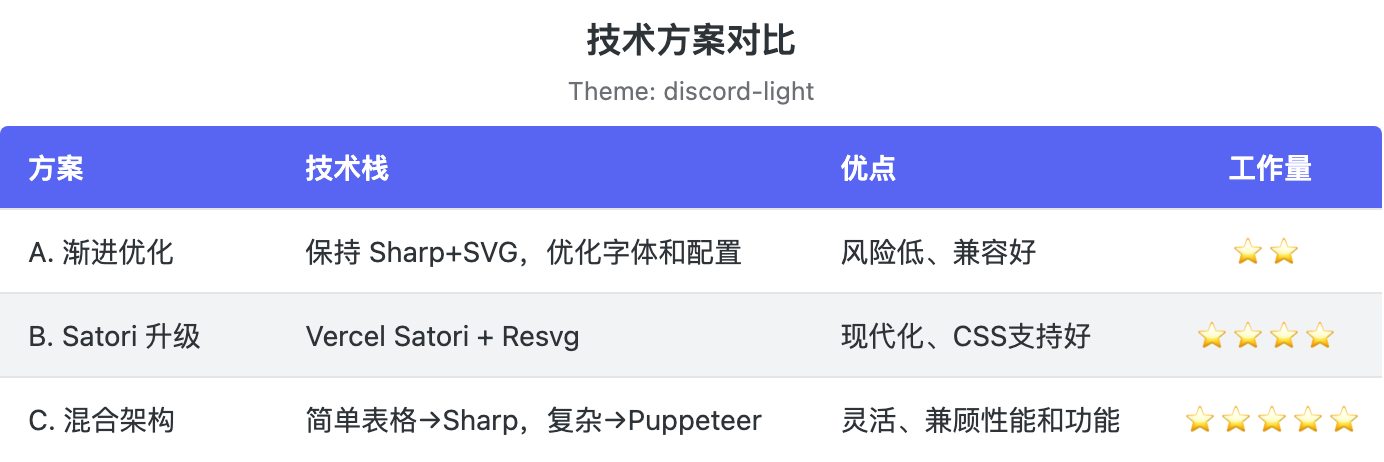 |
| discord-dark |
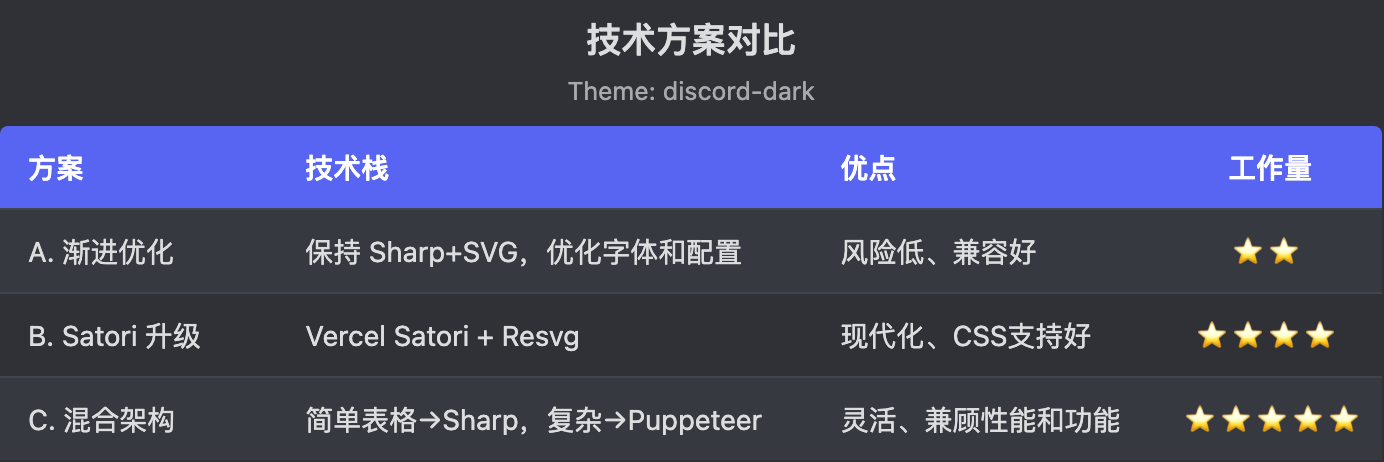 |
| finance | 财务报告 |
|
| finance | 财务报告 | 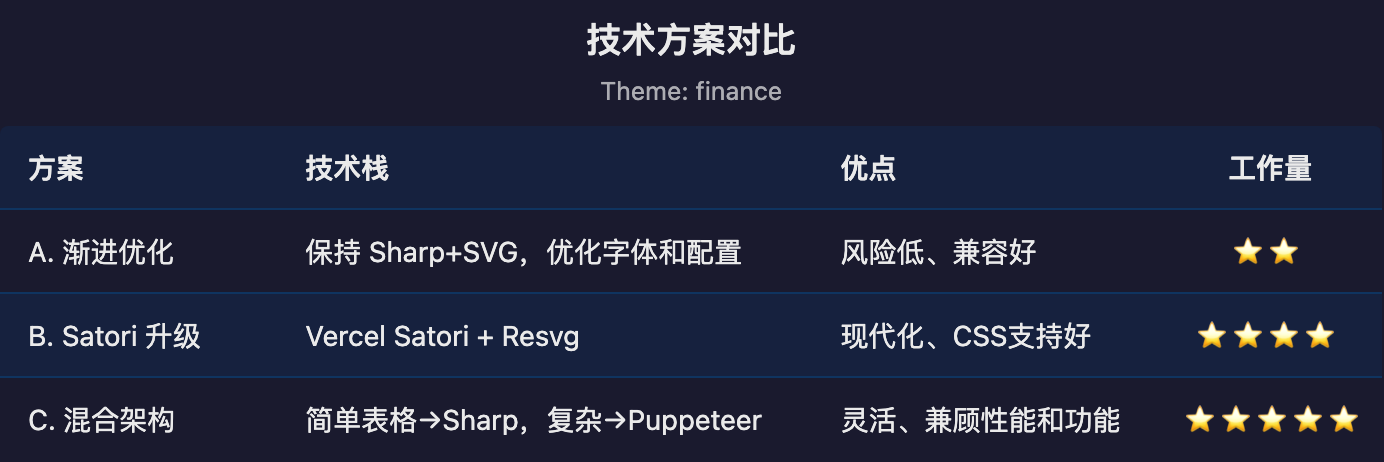 |
| minimal | 简洁/简约 |
|
| minimal | 简洁/简约 | 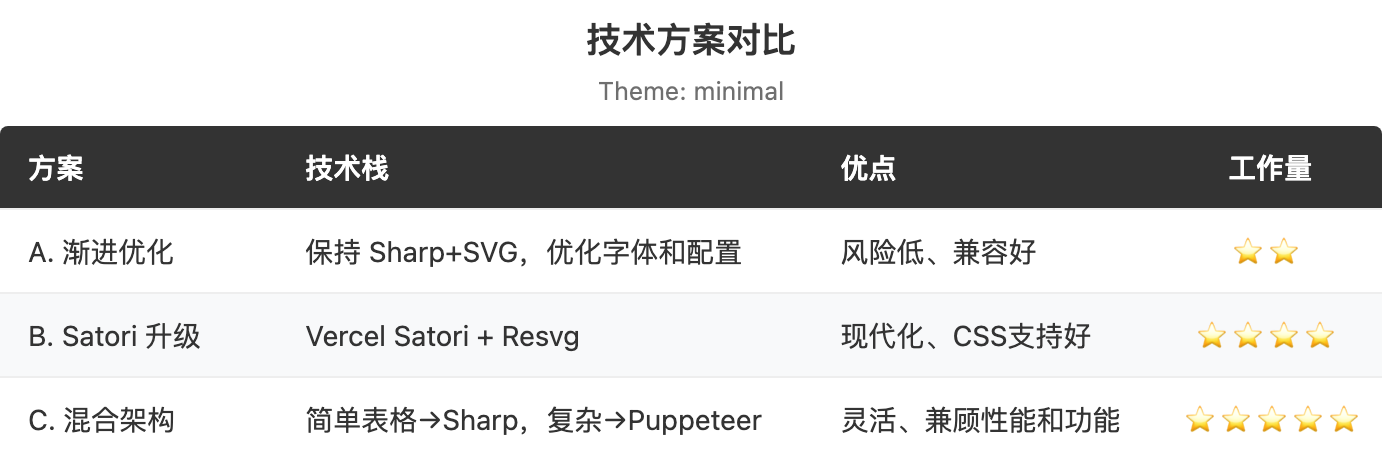 |
| sweet-pink | 时尚深色+粉色点缀 |
|
| sweet-pink | 时尚深色+粉色点缀 | 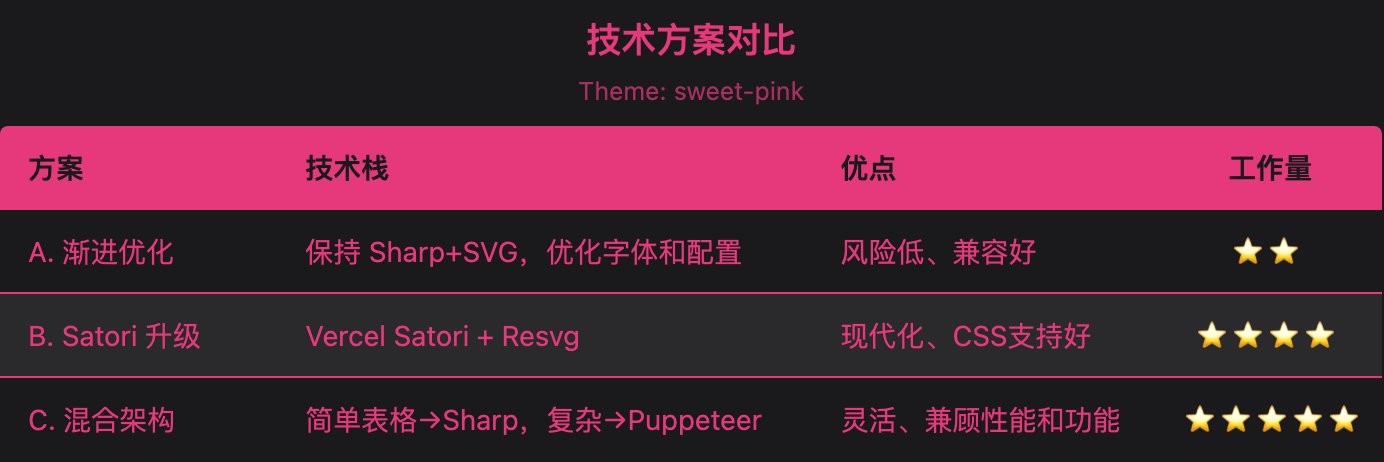 |
| deep-sea | 经典蓝色+奶油白 |
|
| deep-sea | 经典蓝色+奶油白 | 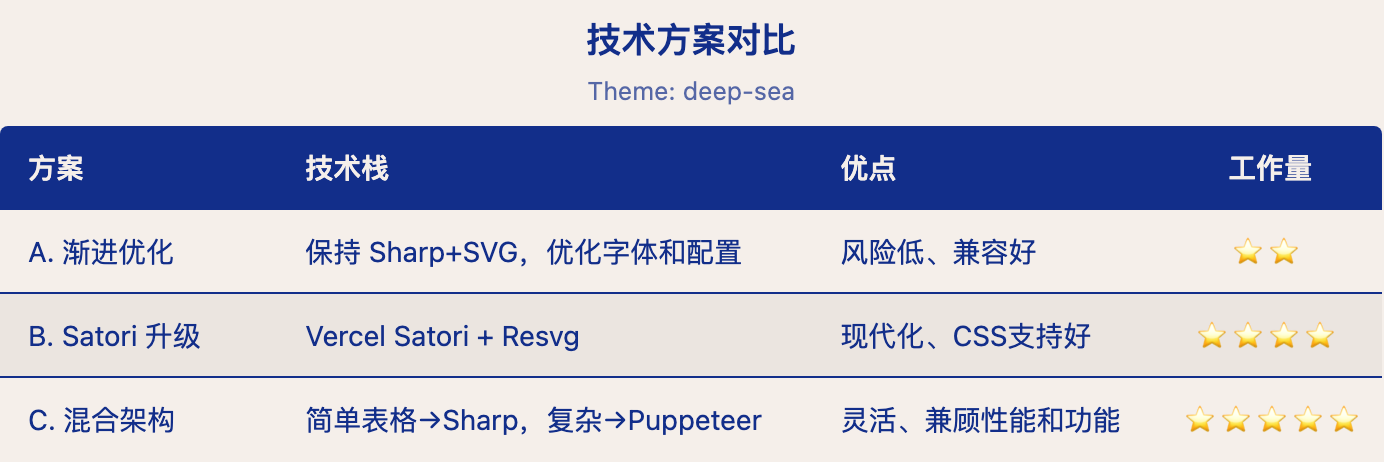 |
| wisteria | 复古紫色+青柠绿 |
|
| wisteria | 复古紫色+青柠绿 | 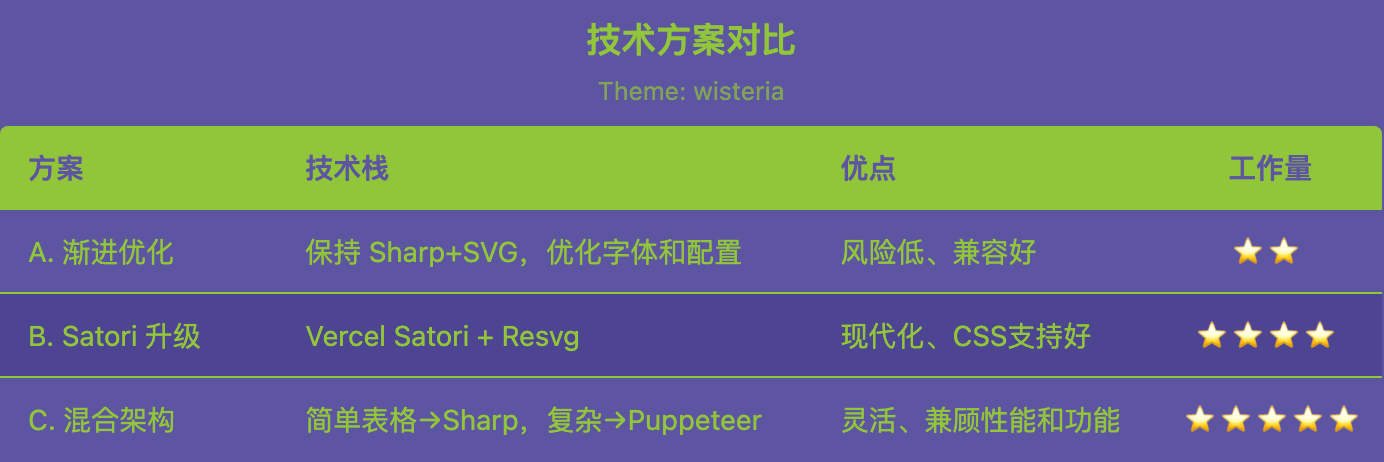 |
| pond-blue | 深海军蓝+柔和青色 |
|
| pond-blue | 深海军蓝+柔和青色 | 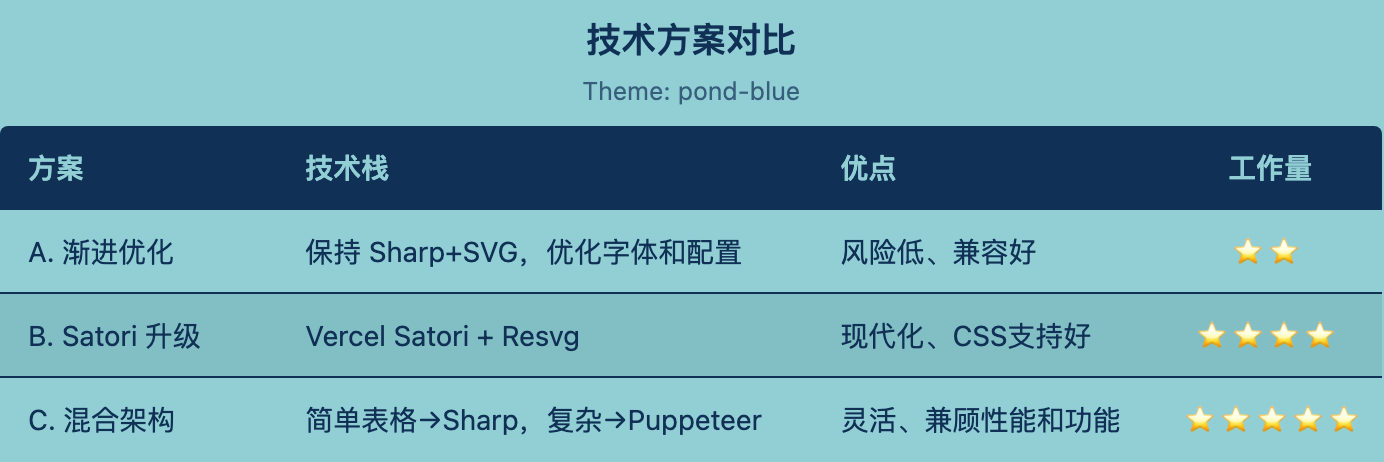 |
| camellia | 暖红+淡粉 |
|
| camellia | 暖红+淡粉 | 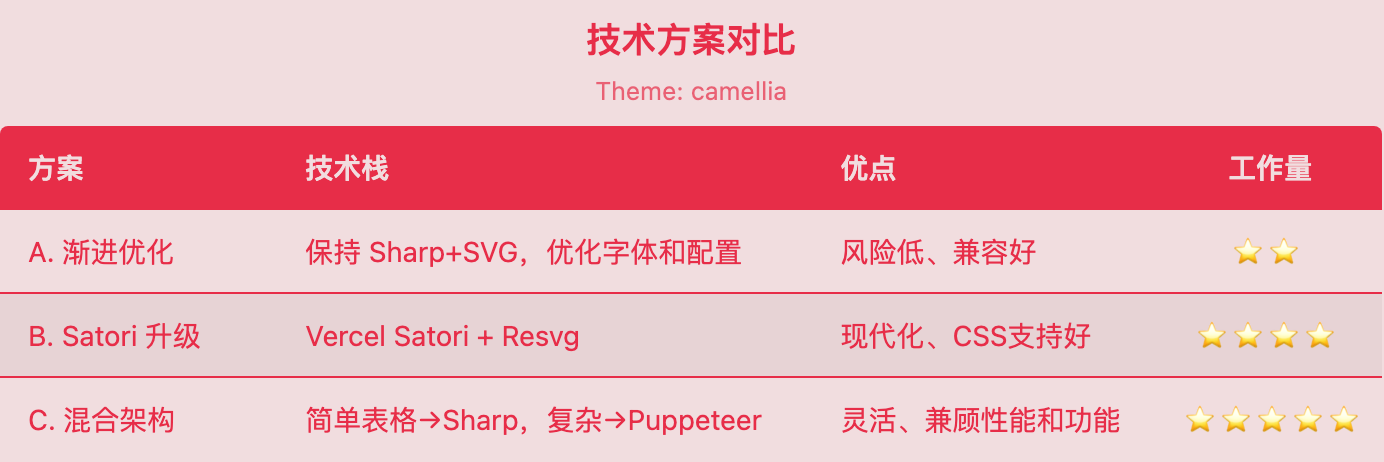 |
|
您也可以直接将自定义主题对象传递给theme。为方便起见,您只需提供两种颜色——primary和secondary——完整主题将自动生成:
typescript
const image = await renderTable({
data: [{ name: Alice, score: 95 }],
columns: [
{ key: name, header: 姓名 },
{ key: score, header: 分数, align: right }
],
theme: {
primary: #e6397c, // 强调色(表头、文字、边框)
secondary: #1a1a1d // 基础色(背景、行)
}
});
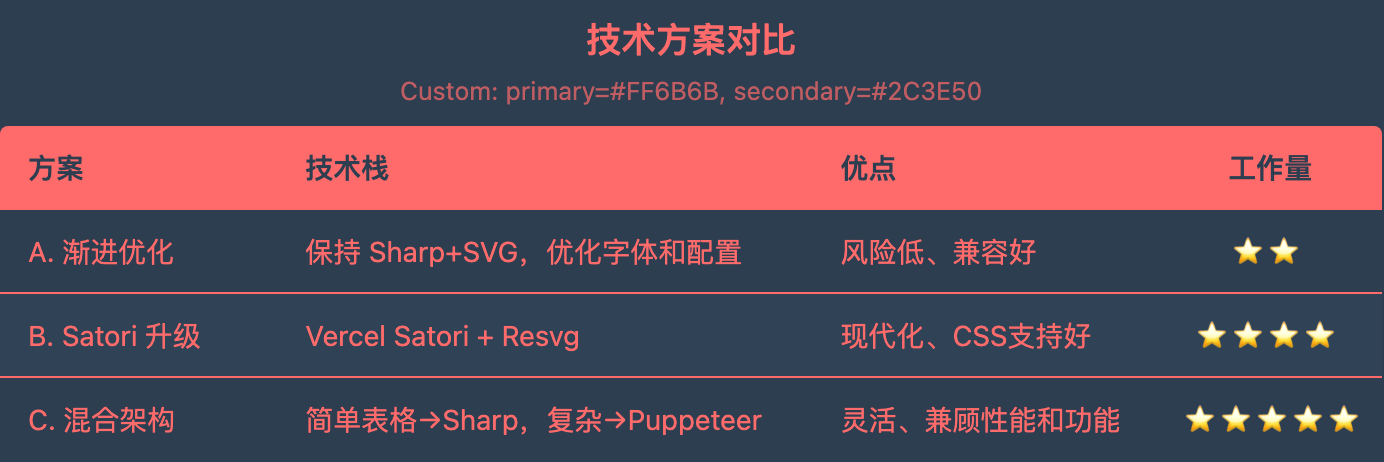
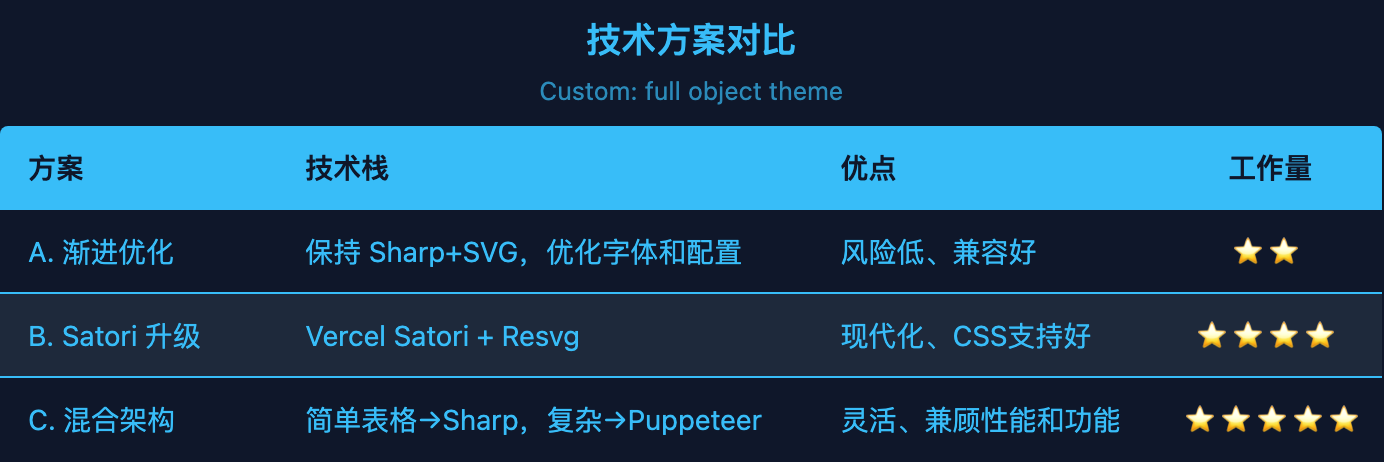
或者传递包含全部7种颜色的完整自定义主题对象:
typescript
const image = await renderTable({
data: [{ name: Alice, score: 95 }],
columns: [...],
theme: {
background: #1a1a1d,
headerBg: #e6397c,
headerText: #1a1a1d,
rowBg: #1a1a1d,
rowAltBg: #2a2a2d,
text: #e6397c,
border: #e6397c
}
});
typescript
import { renderTable } from ./scripts/index.js;
const image = await renderTable({
data: stocks,
columns: [
{ key: symbol, header: 代码 },
{
key: change,
header: 涨跌幅,
align: right,
formatter: (v) => ${v > 0 ? + : }${v}%,
style: (v) => ({ color: v > 0 ? #43b581 : #f04747 })
}
],
theme: discord-dark
});
typescript
columns: [
{ key: name, header: 名称, width: 150 },
{ key: description, header: 描述, width: 300, wrap: true, maxLines: 3 }
]
完整API文档请参见references/api.md。
常见用例和代码示例请参见references/examples.md。
以下为平台配置的接入选项,并非逐项实测通过。能否安装取决于客户端支持、技能来源和运行环境:
帮我安装 SkillHub 和 markdowntable2image-1775976434 技能
设置 SkillHub 为我的优先技能安装源,然后帮我安装 markdowntable2image-1775976434 技能
skillhub install markdowntable2image-1775976434
文件大小: 19.65 KB | 发布时间: 2026-4-13 10:56
